
AdvaTech AAR
Plan the drill. Run it live. Review every move.
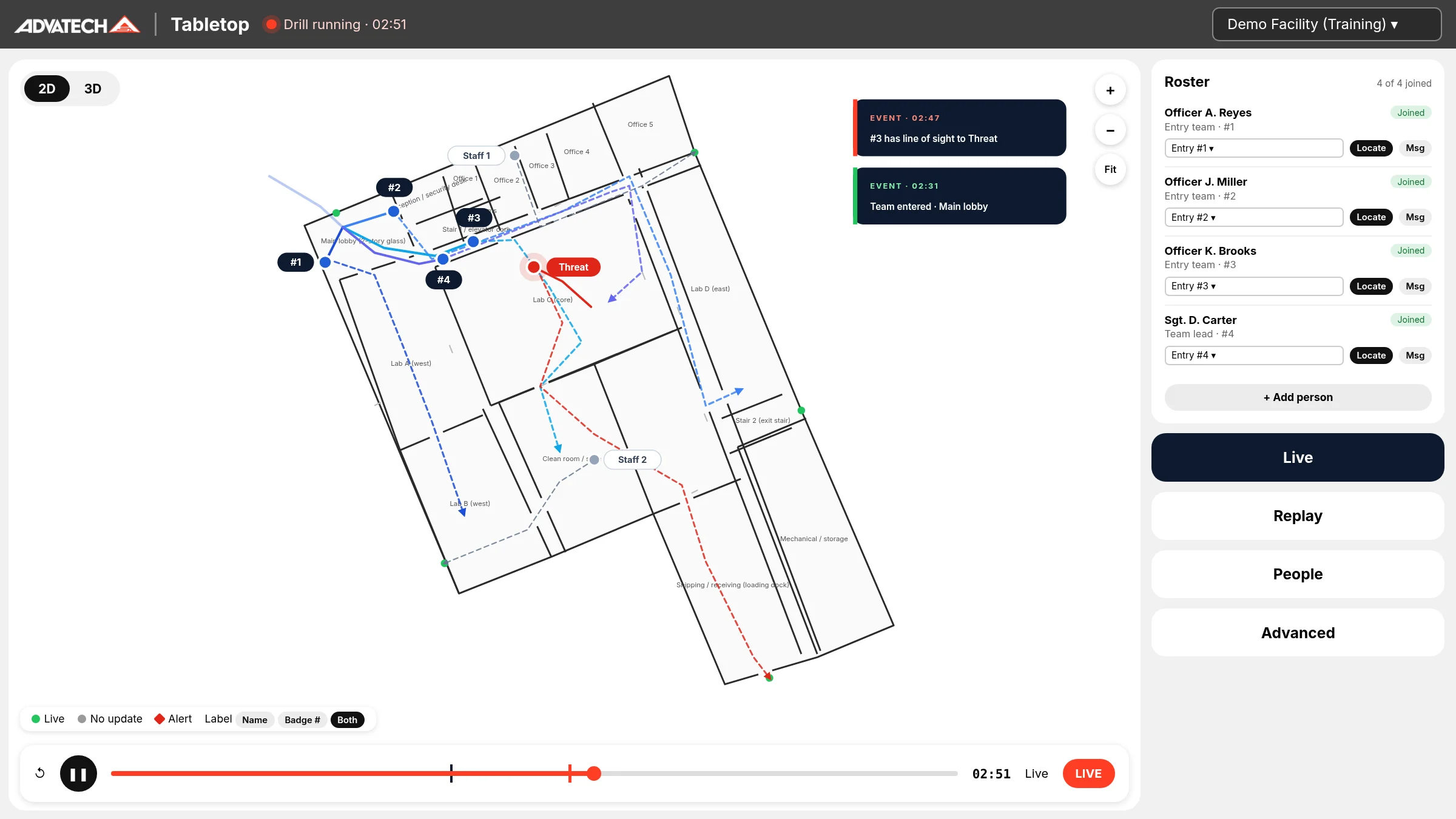
AdvaTech AAR is after action review software for active-threat drills. Your team maps its building, plans the drill, runs it live with each person's phone tracked by GPS, and gets a timed replay and review the moment the drill ends.
Use applications
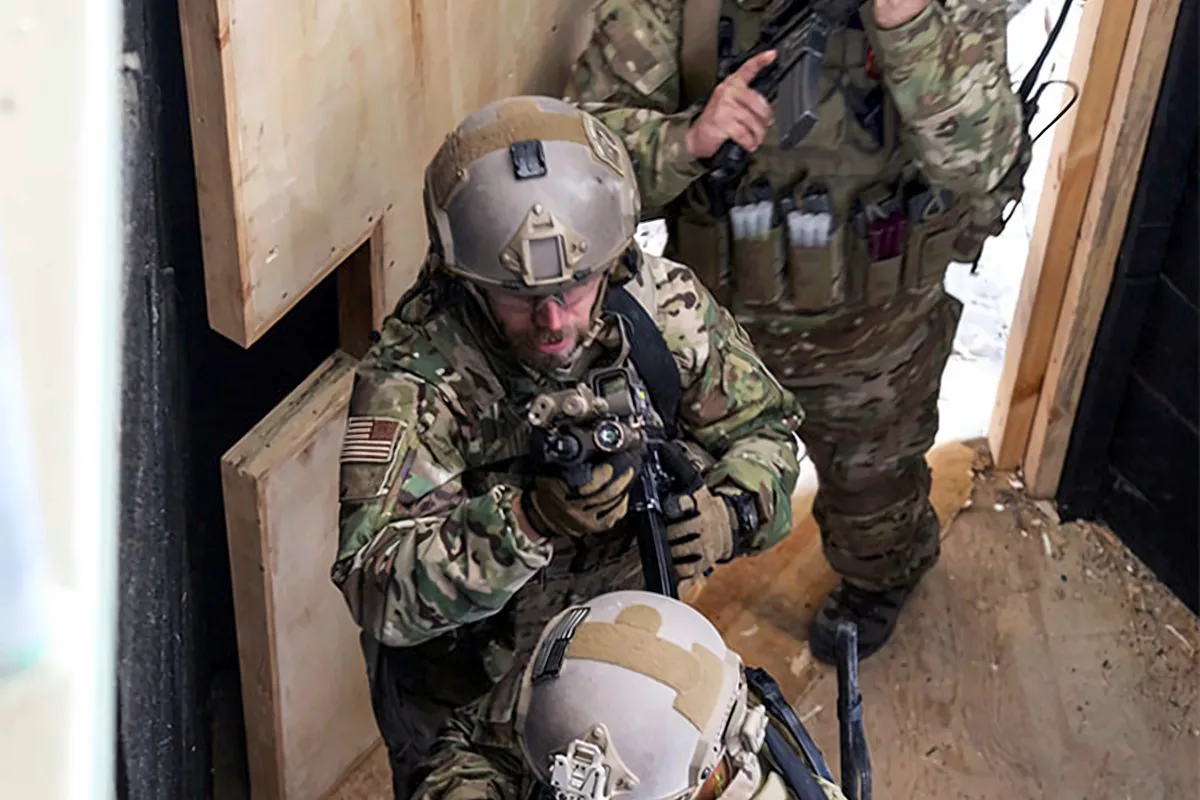
Law enforcement: active-threat training
Run solo-officer, contact-team and four-person stack entries in the actual building. Responders from multiple agencies join from their own phones, and the training sergeant leads the debrief from the replay.
Schools
Administrators, staff and school resource officers map the building, plan each person's route and get a timed review when the drill ends.
Houses of worship
Safety teams, ushers and greeters practice the plan for their own sanctuary, nursery and parking lot, then watch the replay together.
Municipalities and businesses
Plan for city hall, public buildings or your own facility, drill with staff on their phones and review who followed the plan.
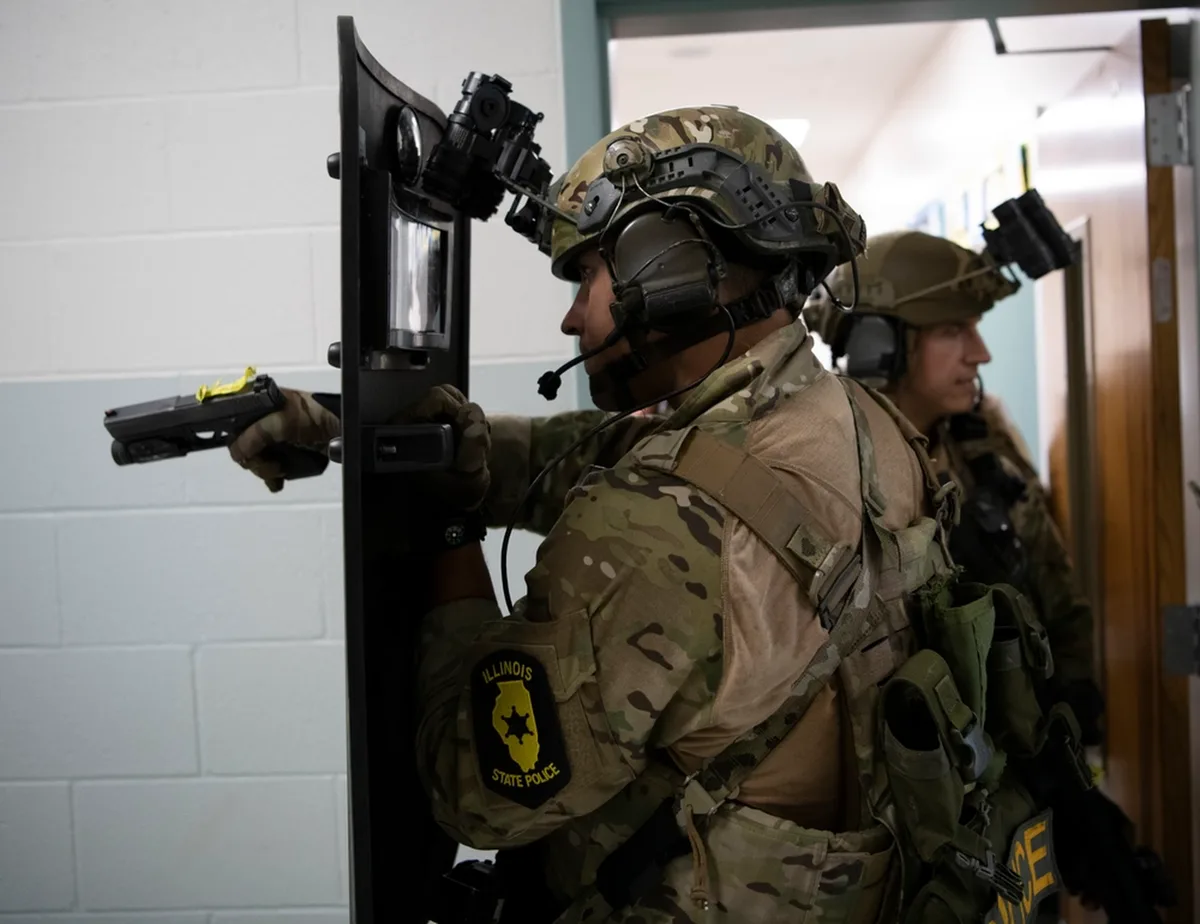
Law enforcement active-threat training
Every entry, every movement, on the record
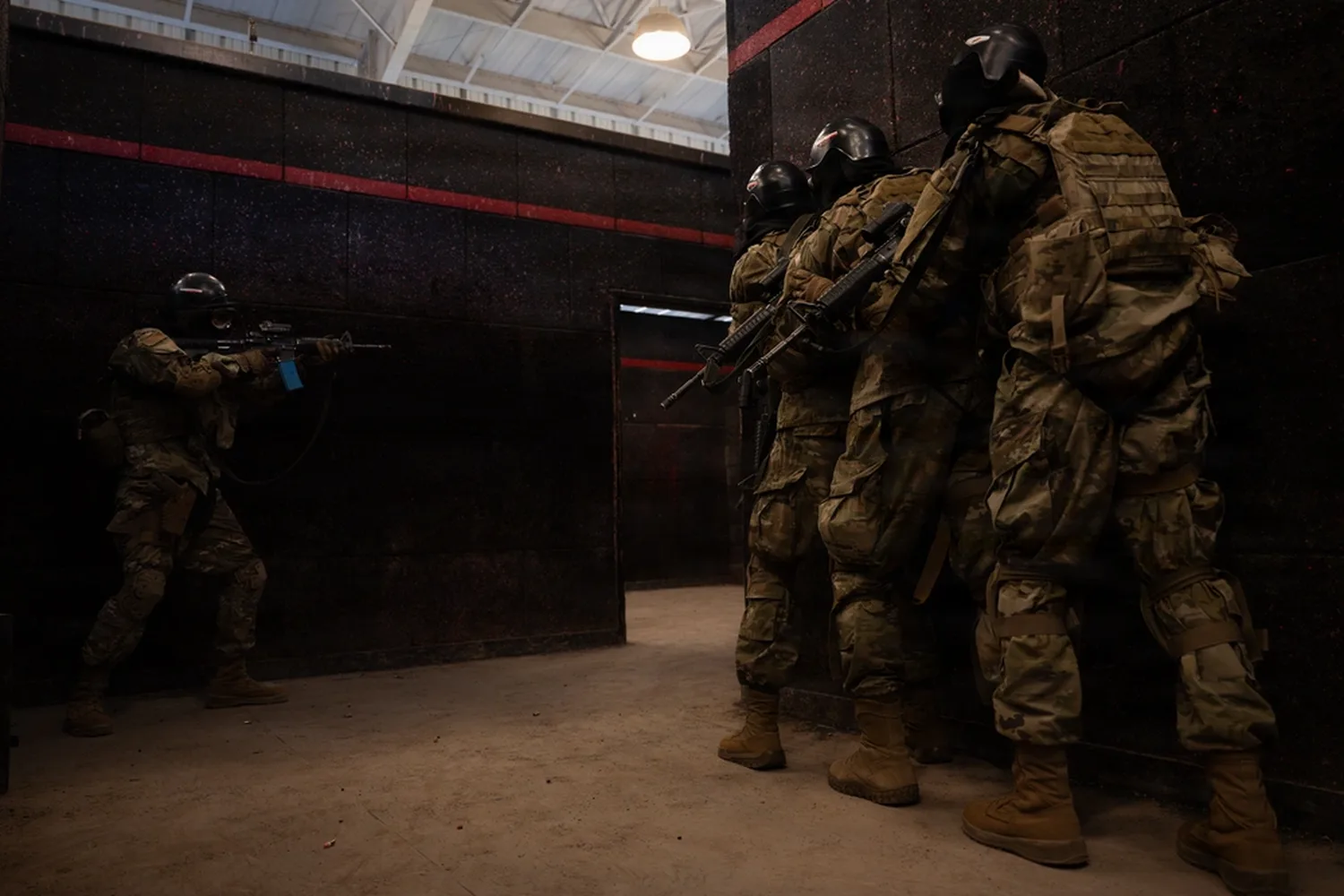
Set the stack on the wall beside the door, pass the squeeze, and move through the fatal funnel: #1 takes the immediate corner and drives to the first deep corner, #2 splits the room to the opposite corner, and #3 and #4 cover the deeper angles or hold rear and hallway security. AAR tracks each position from the stack through the entry, whether you run a dynamic entry or limited penetration, so the debrief runs on what happened rather than what people remember.
- One-tap critical events: threat identified, police called, threat down
- Timed replay on the building plan: time to threat down, threat identified to threat down, call to on scene
- Route adherence: AAR flags any responder who deviated from the plan
Debrief from data, not memory, then run it again.
How it works
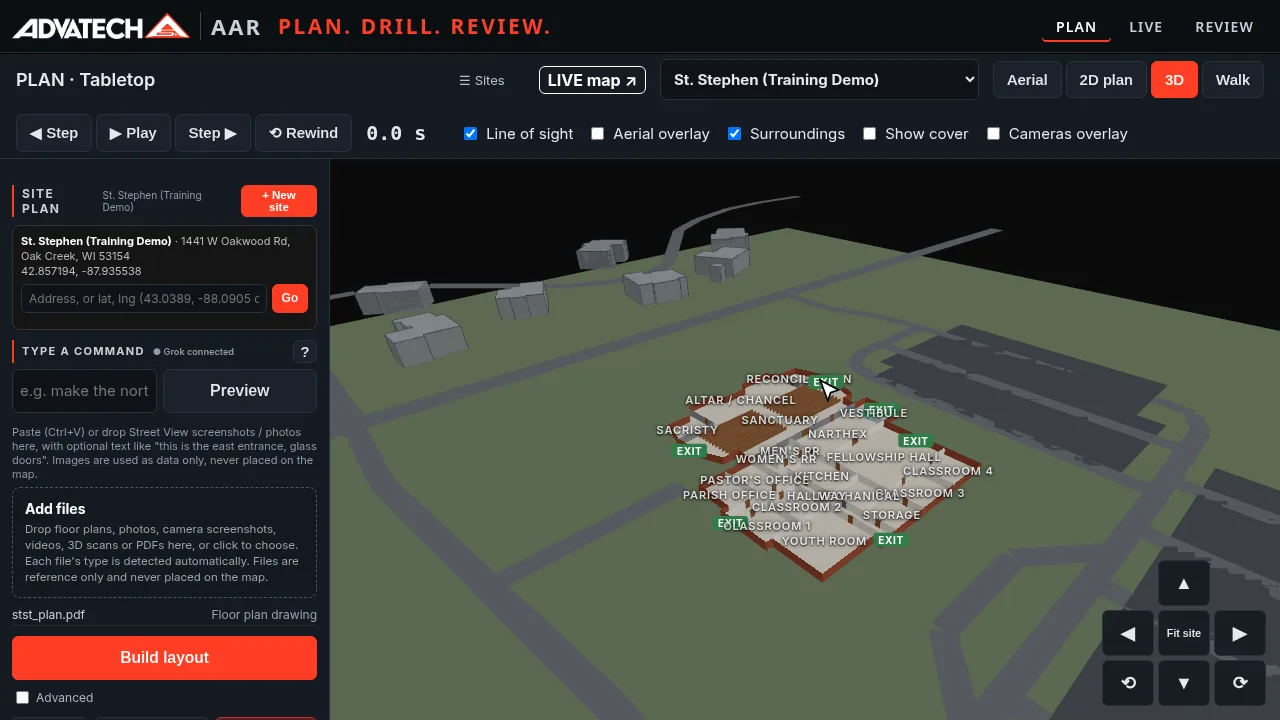
1. Plan the site
Upload a floor plan and see walls, rooms and doors in 2D and 3D. Mark exits, AED and first aid. Place the threat, your people and each route. Drop in Axis cameras and see each view cone.
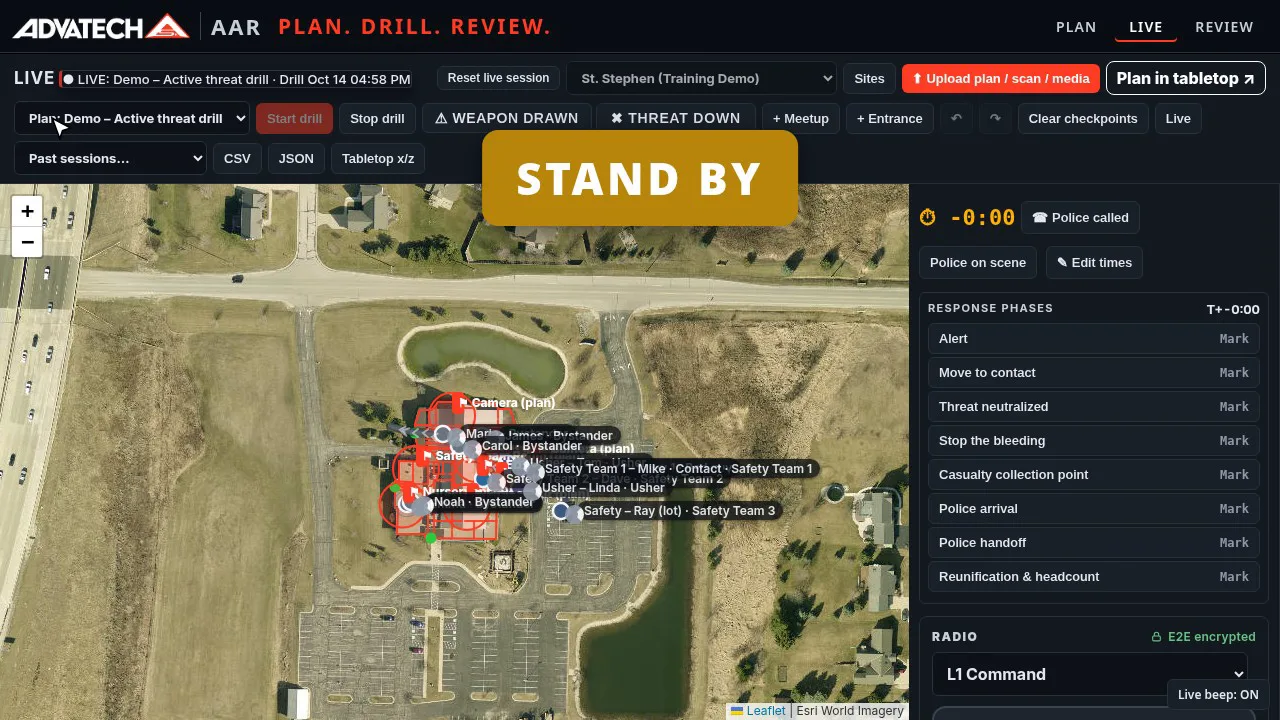
2. Run the live drill
Invite your team by email or text. Each person joins from their phone and the leader approves them. STAND BY, a random 1–4 second wait, one beep, then GO, and every clock starts together. One tap marks events like threat identified, police called and threat down.
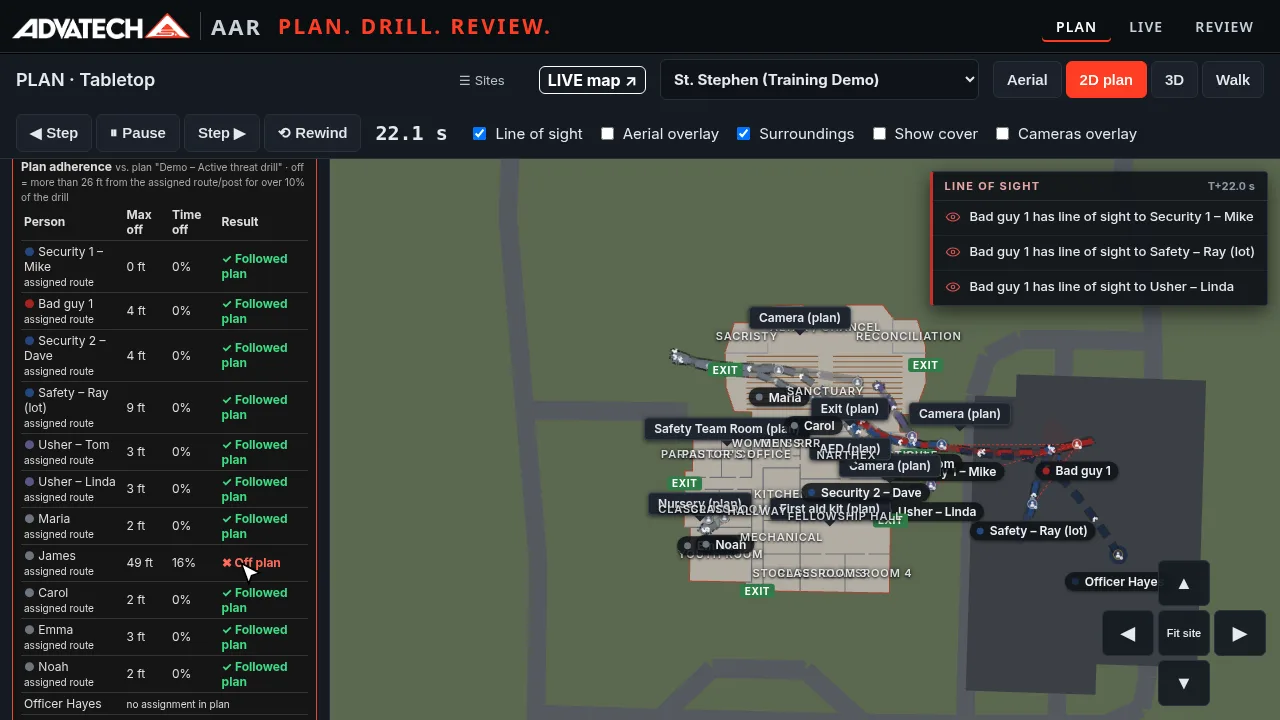
3. Review the replay
Play the drill back step by step on the building plan. See time to threat down, response time, police call-to-scene time and total time. AAR flags anyone who went off their planned route.
Layouts and drills
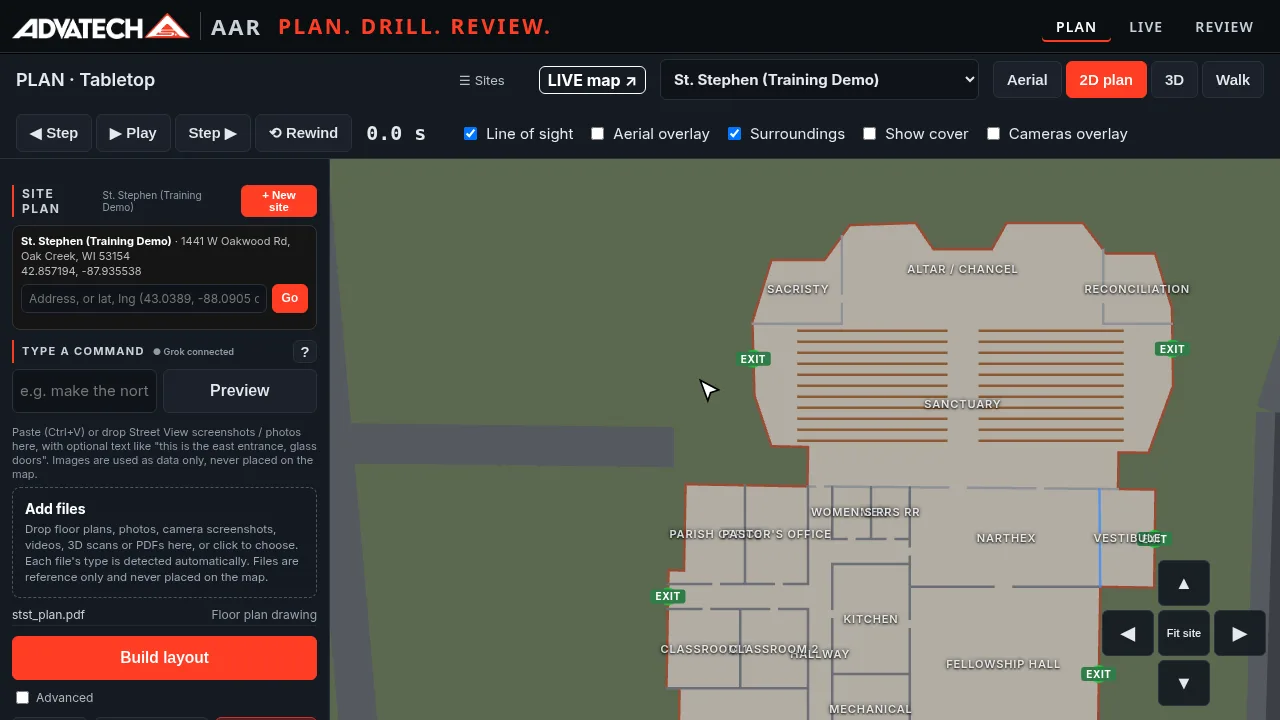
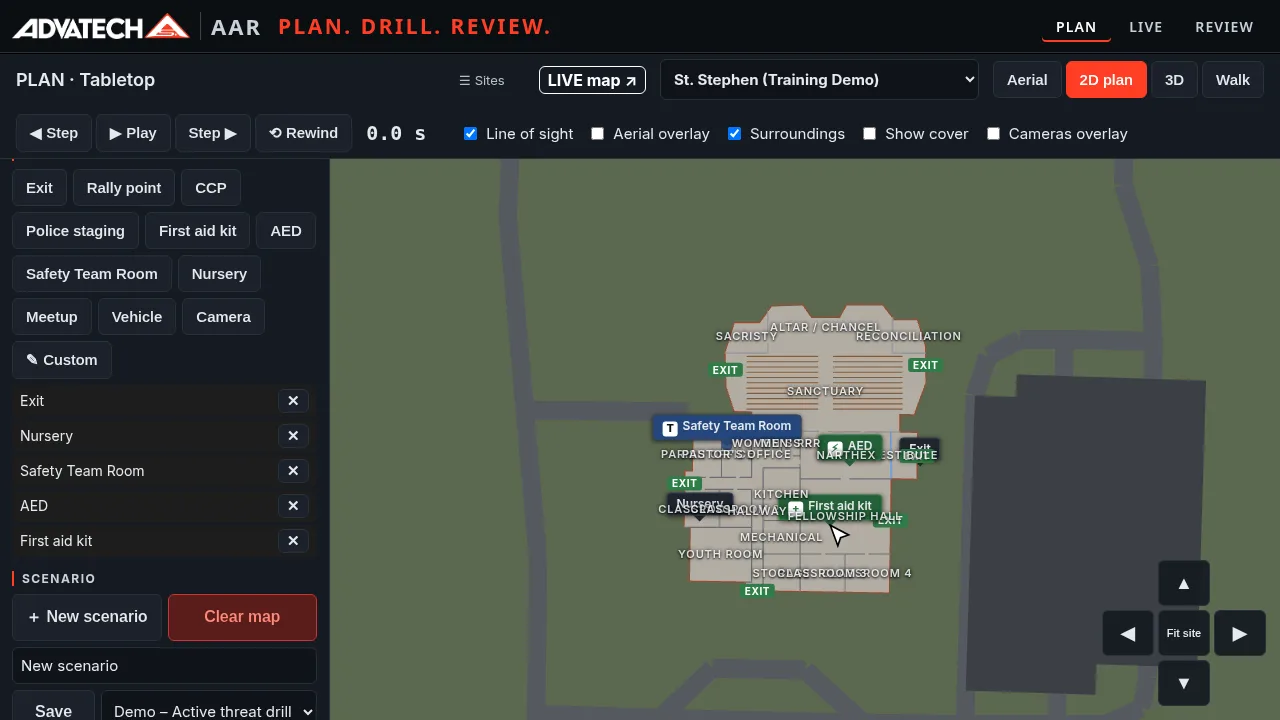
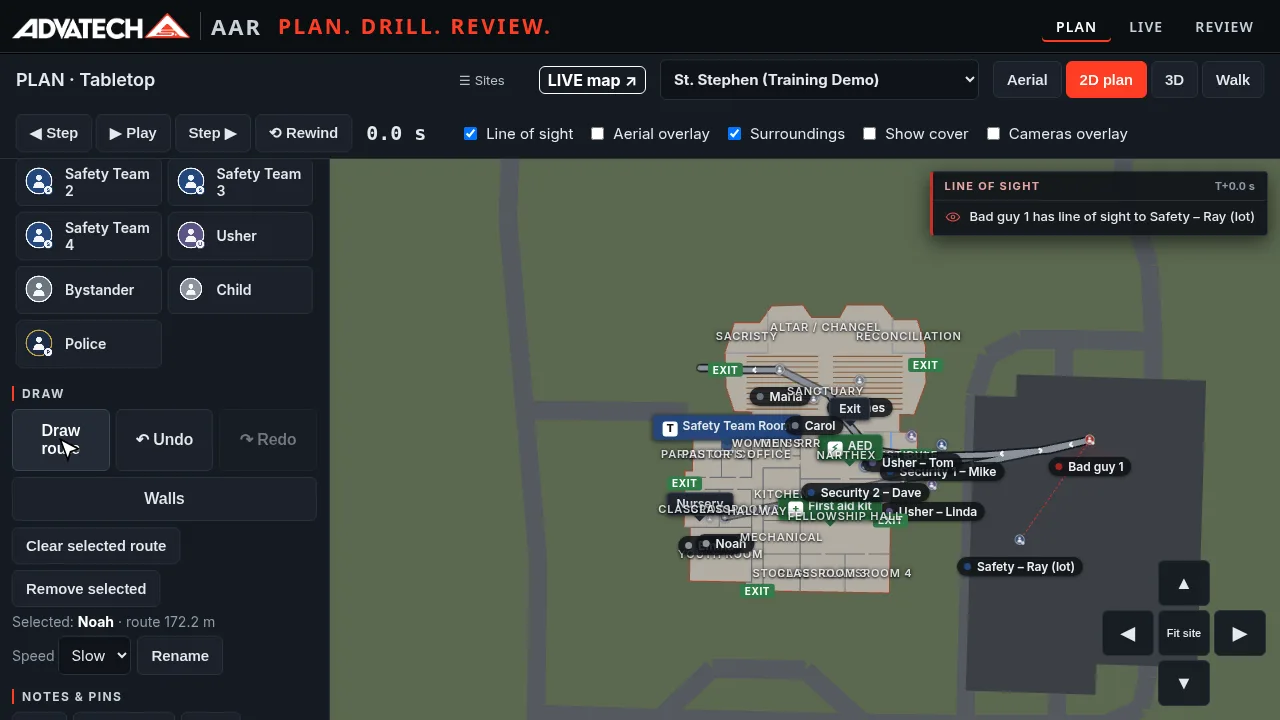
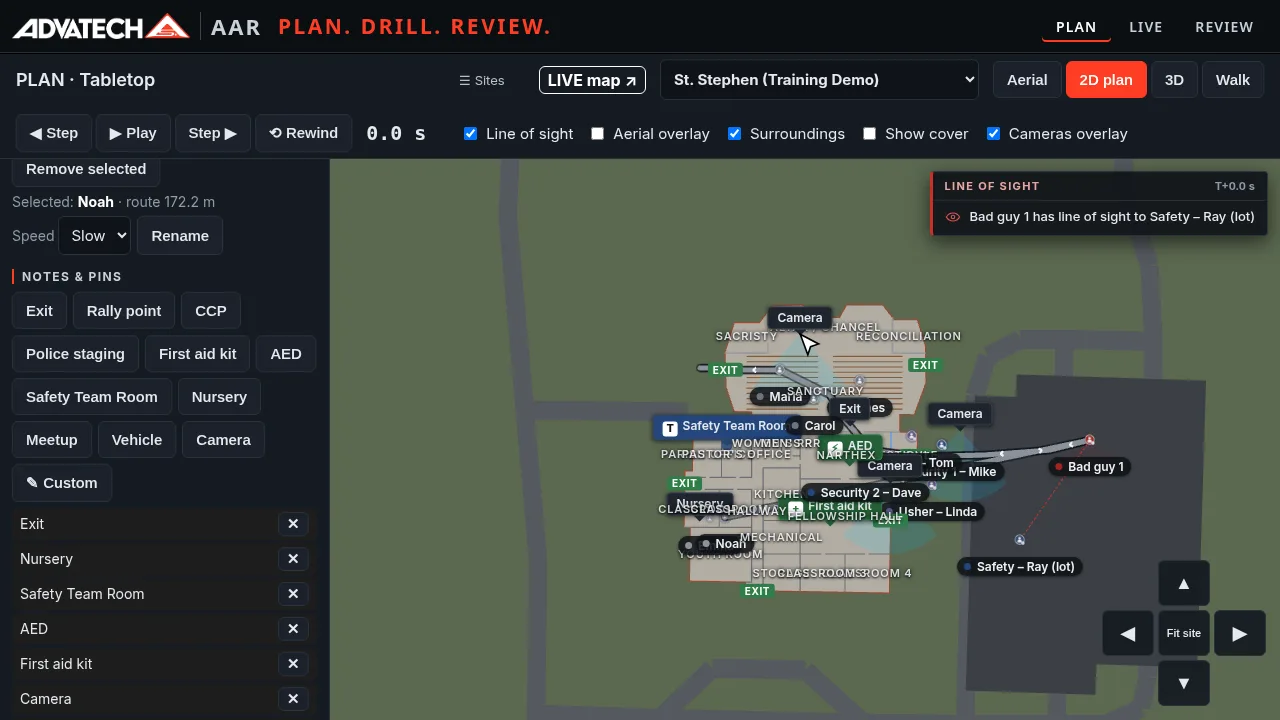
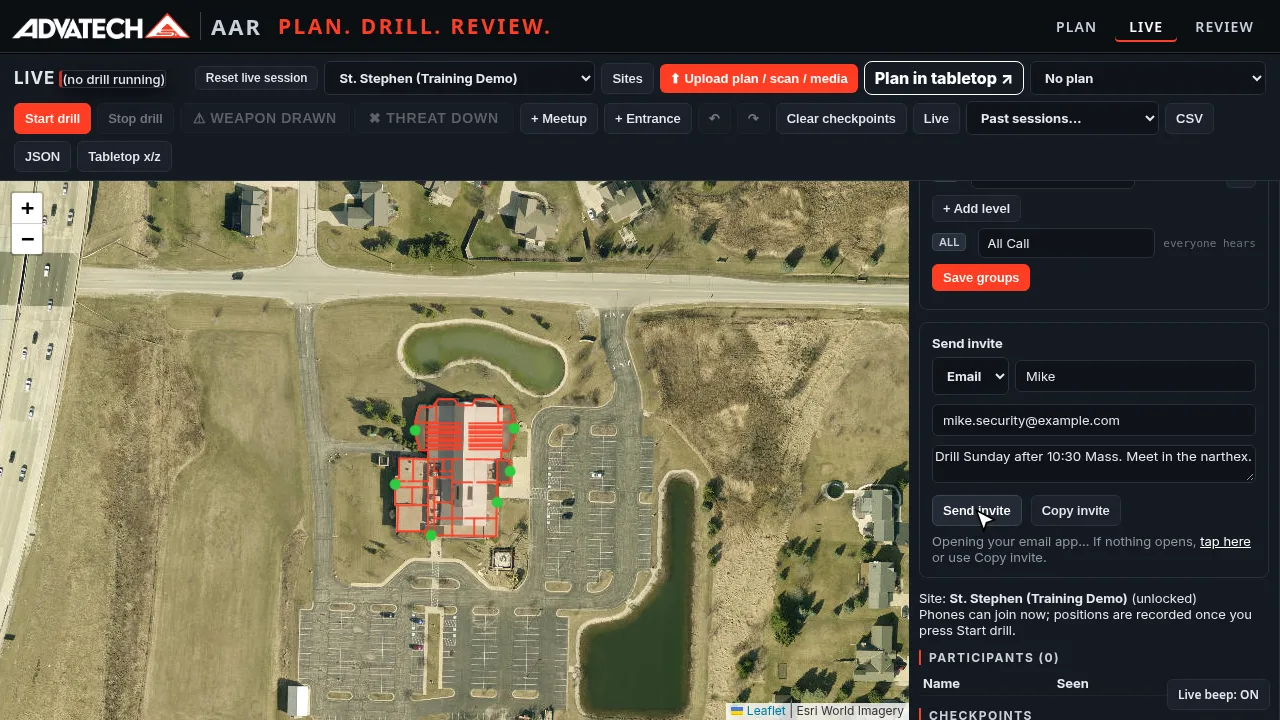
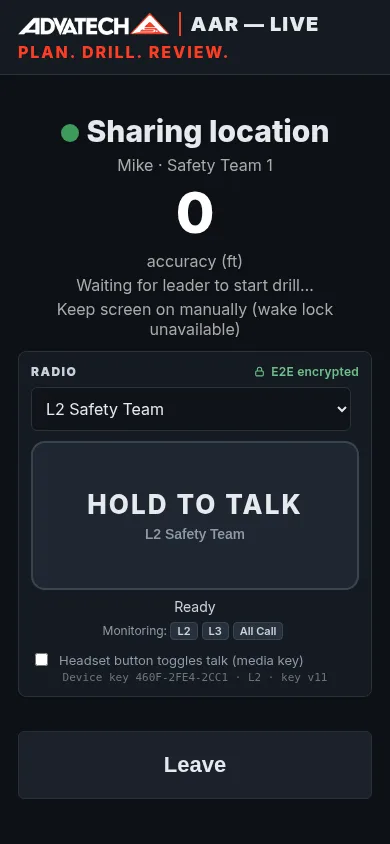
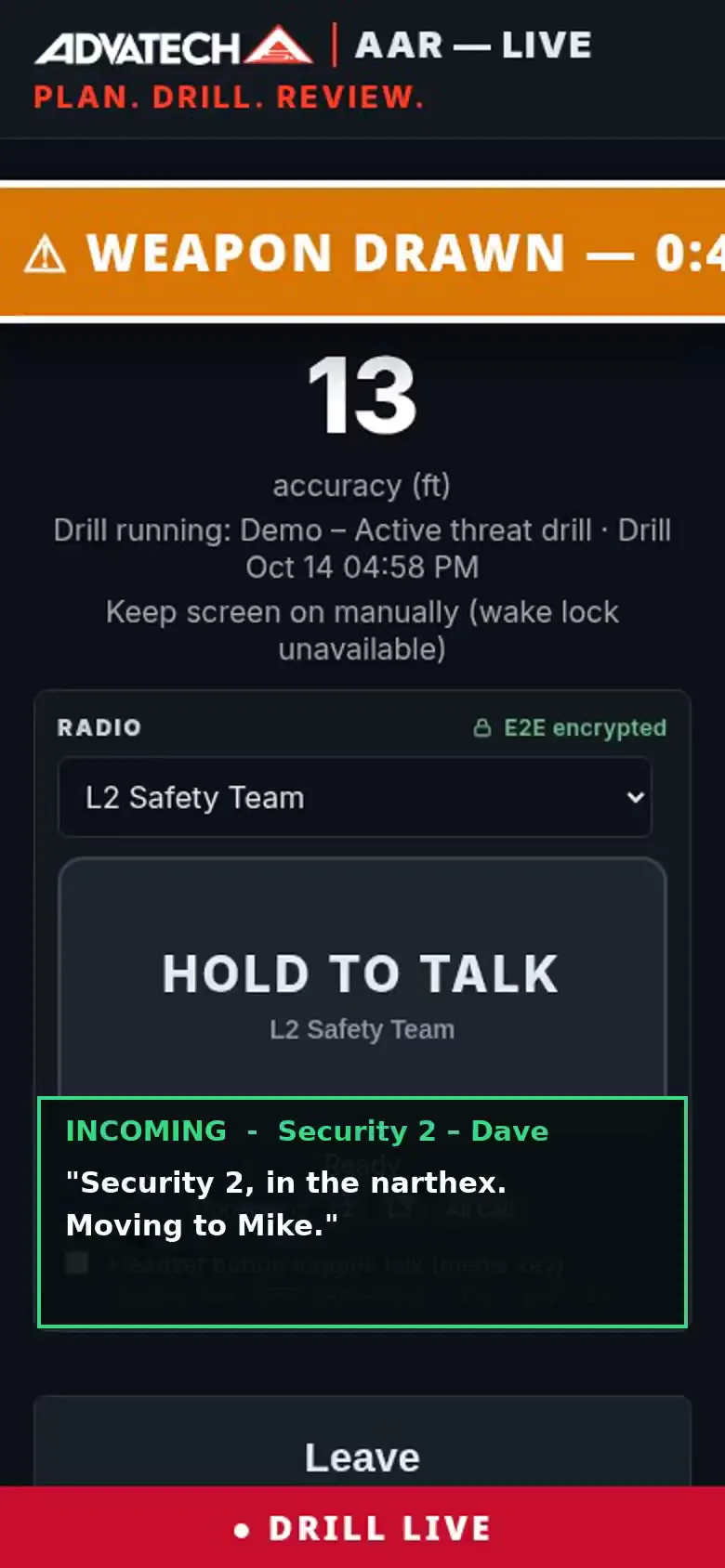
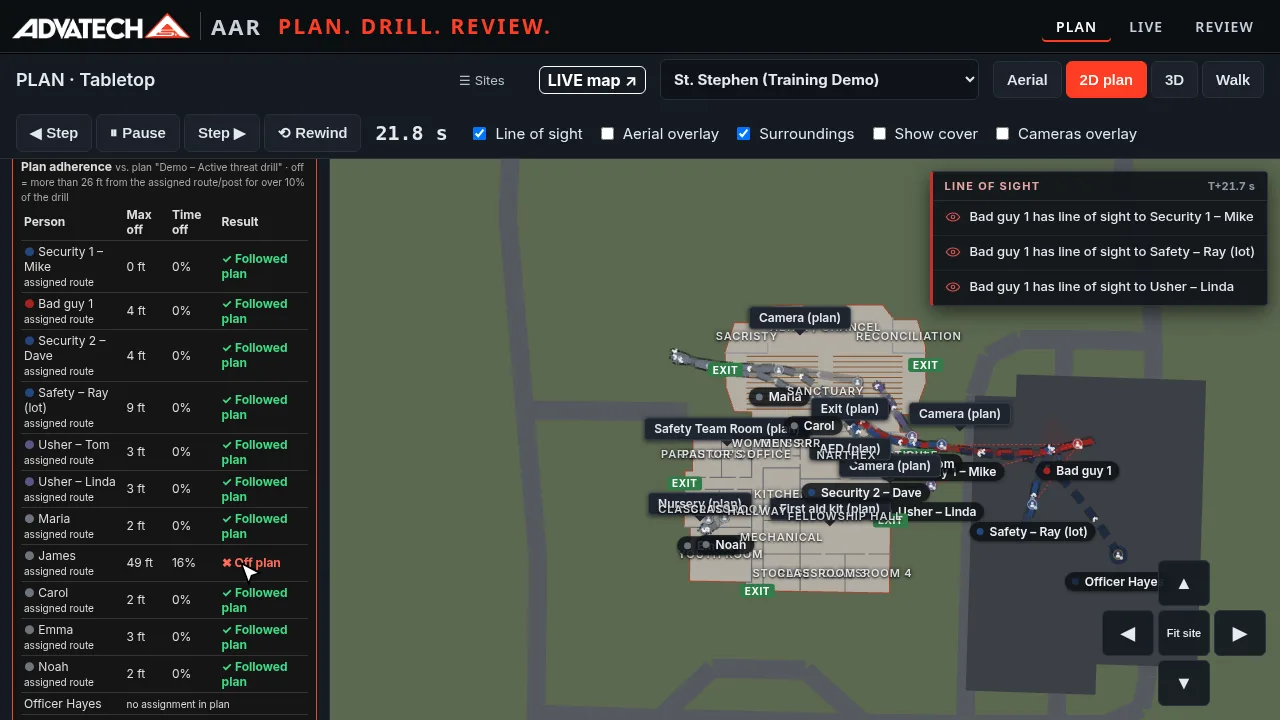
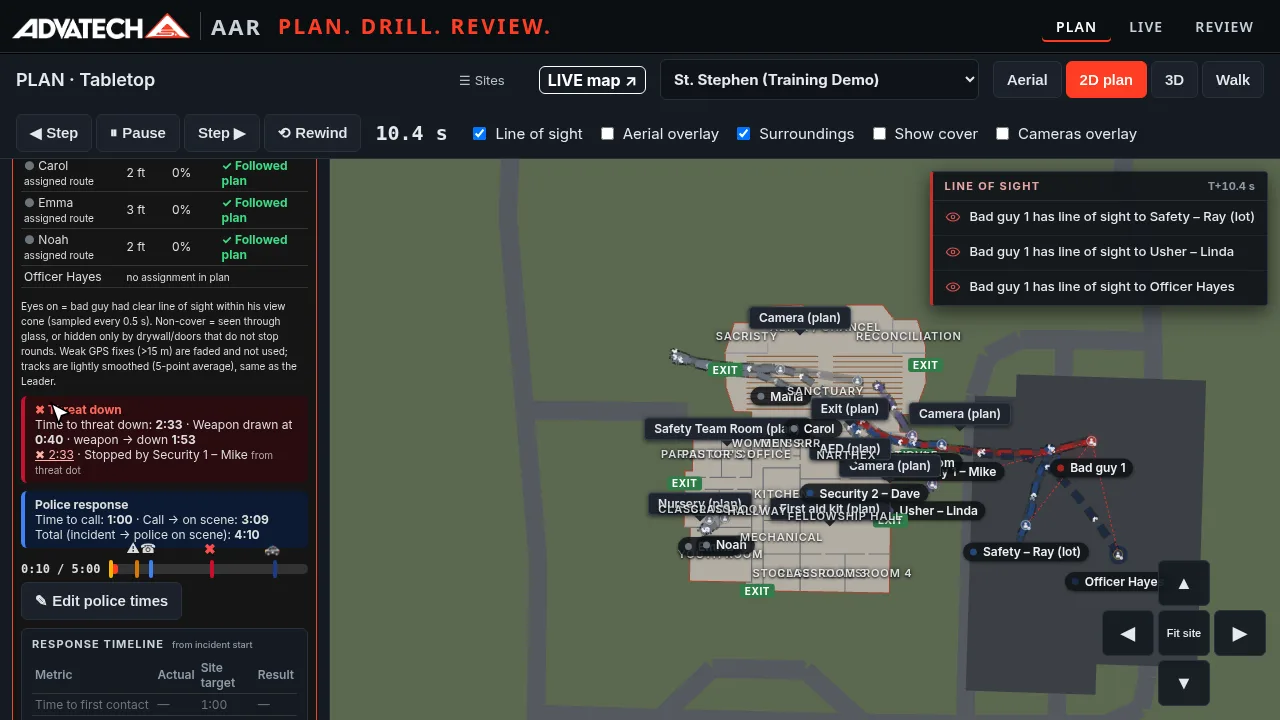
Screens from a demo drill on a training site.
Works with Axis Camera Station Pro
AAR is an add-on that integrates with Axis Camera Station Pro through its API. It works alongside your Axis system; it doesn't replace it.
Cloud or on-premises
Deploy AAR in the cloud or on an on-prem server for local agencies.
Supports your trainer, doesn't replace them. AAR is a planning, drill and review tool that works alongside your trainer and your safety plan. It isn't a training course.
More detail: After Action Review overview and demo results.
See AAR with your building
We'll walk you through planning, a live drill and the review in about 20 minutes. Call (414) 939-5079.
Contact AdvaTech